1
You build the menu
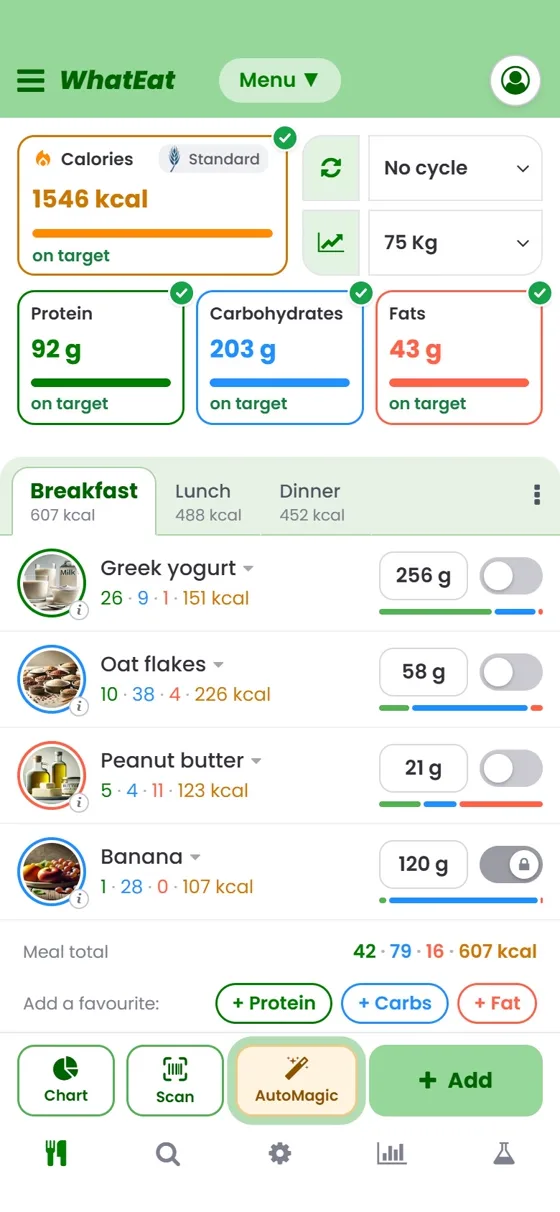
Pick the foods, recipes and meals in WhatEat, just as you would for yourself.
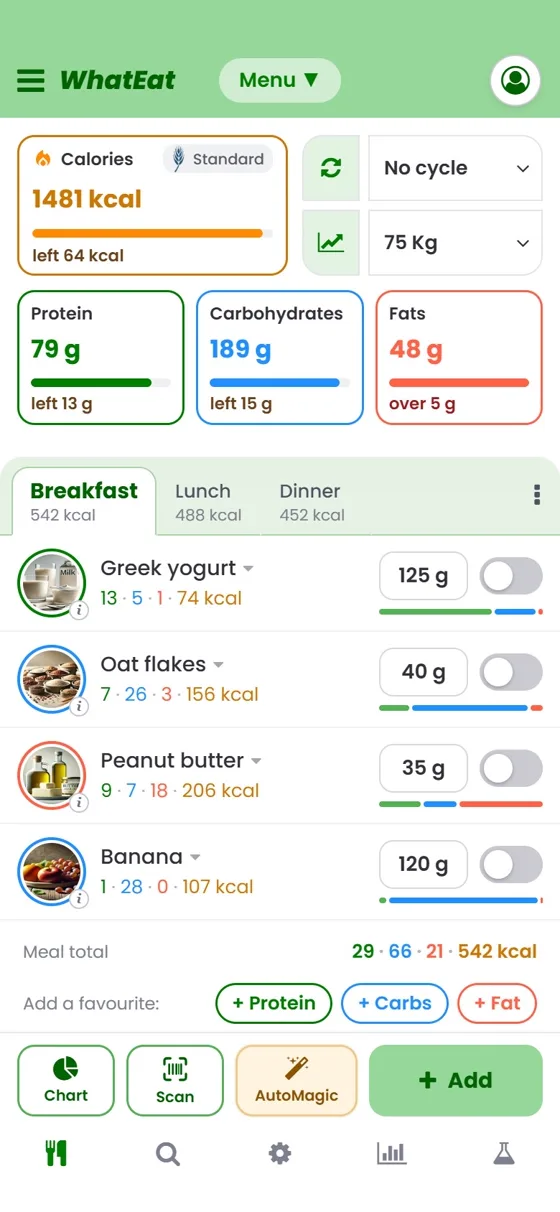
Build a menu, a recipe or a calorie cycle in WhatEat and share it with a link, a QR code or an image. Each client opens it in their app and, with one tap on AutoMagic, the amounts adjust to their calories and macros.
1 year of Premium free for you and 1 month for your clients. No payments, no commissions.
For standard, low-carb and keto diets. In Spanish, English, French, Italian and German, with real products from each country's supermarkets (Open Food Facts).
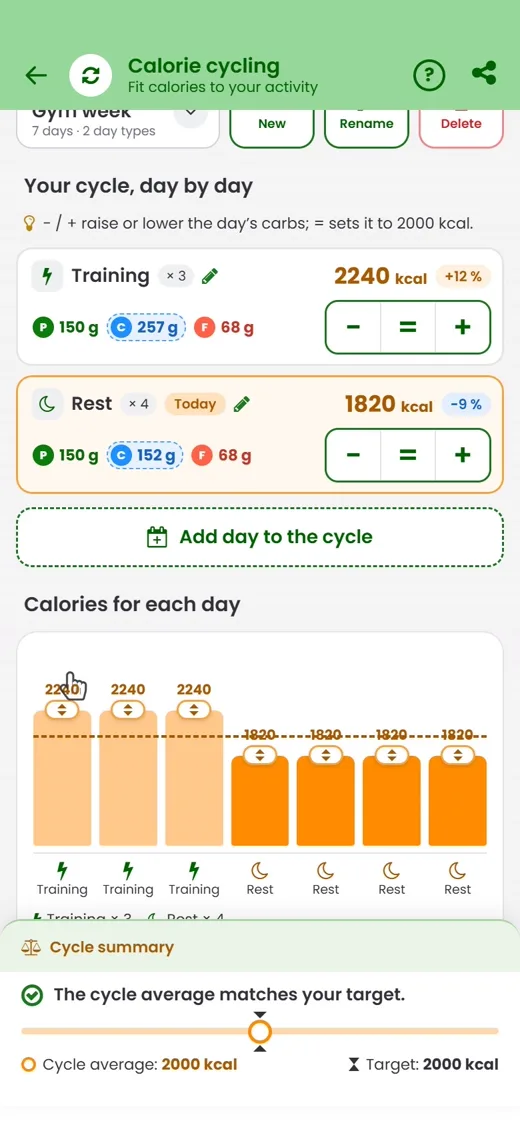
Different targets for training days and rest days. Whoever opens it sees each type of day with its own calories and macros.
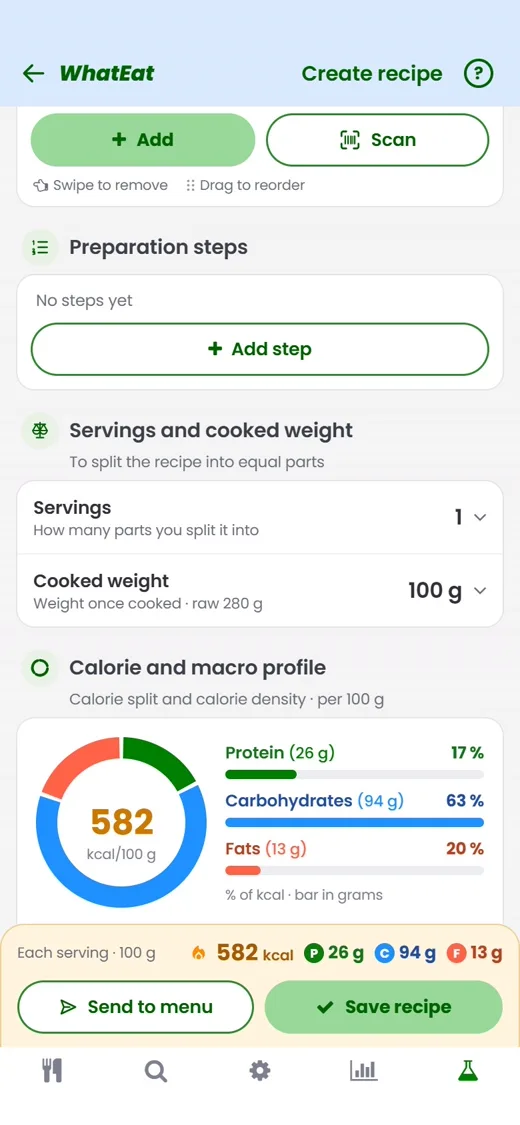
With ingredients, steps, servings and cooked weight. WhatEat works out the calories and macros per serving.
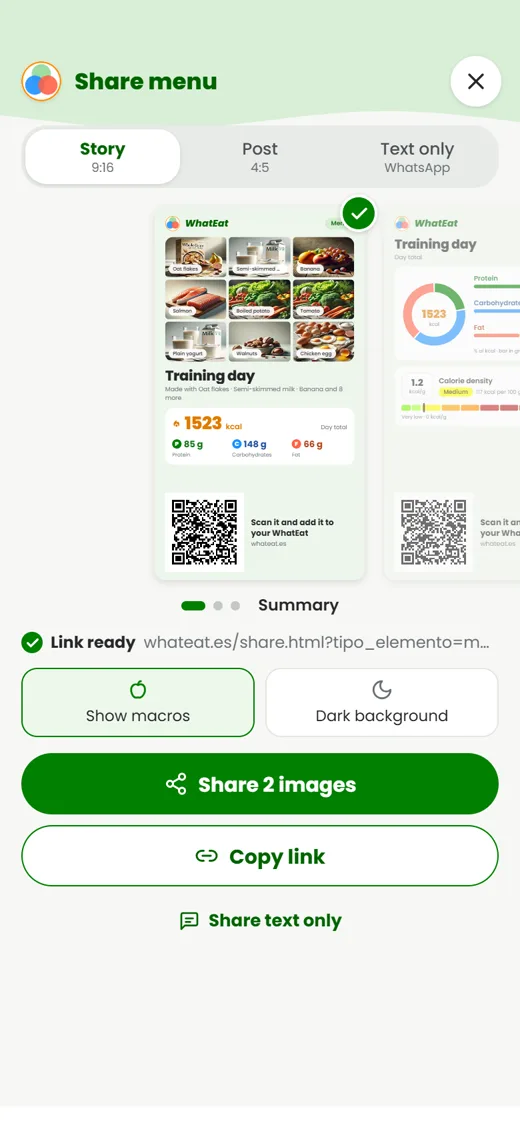
Every menu becomes an image with its foods, its macros and a QR code to add it to WhatEat. Or, if you prefer, just the text.
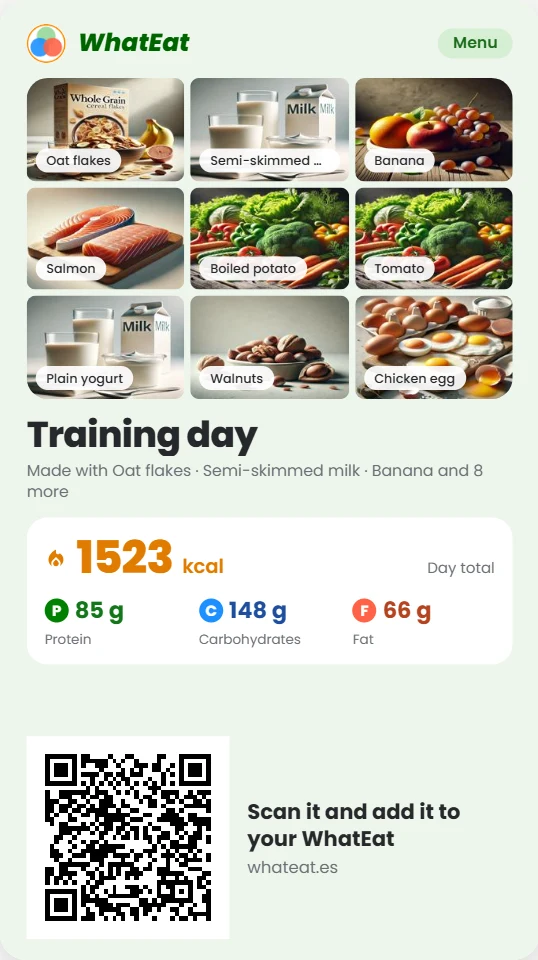 Story9:16
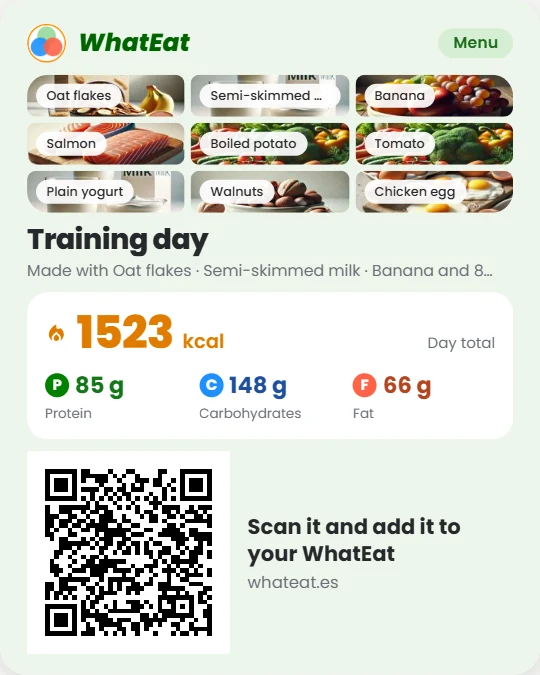 Post4:5
Twelve months of Premium to build and share everything you need.
The usual trial is 7 days. With your code, whoever uses it gets a full month.
A note for creators: if you talk about WhatEat after receiving free Premium, please label it as advertising (#ad or "paid partnership"). Thank you for being open with your followers.


Prefer to write to us? Email app@whateat.es
No. WhatEat is a tool that calculates and organises. The judgement and the advice for your clients are yours.
Yes. WhatEat is on the App Store and on Google Play.
No. The offer has no commitment, no payments and no commissions.
On iPhone, they open the link with your code that we give you and tap “Redeem”. On Android, the code is entered inside the app: in WhatEat they choose the monthly plan and, in the Google payment window, before tapping “Subscribe”, they tap the payment method (the card), choose “Redeem code” and enter the Android code we give you; the free month should appear before they confirm. The store asks for a payment method but charges nothing during that month. If they don't cancel before it ends, the subscription continues at the regular price in their country. They can cancel it at any time from the store. The free month is for people subscribing to WhatEat for the first time.